

Live polls · Quizzes · Q&A · Feedback
Interactive presentations, designed by your AI assistant
Ask Claude, ChatGPT or Cursor for a talk with polls and questions. Backrow puts it on the big screen in your own style, the room answers from their phones, and the results appear right inside your slides.
Free to try. No app or account for the room.

Question types
Everything your room can do
Polls are only the start. Every type works on the phones people already have, and every result lands in your own slides.
The room answers
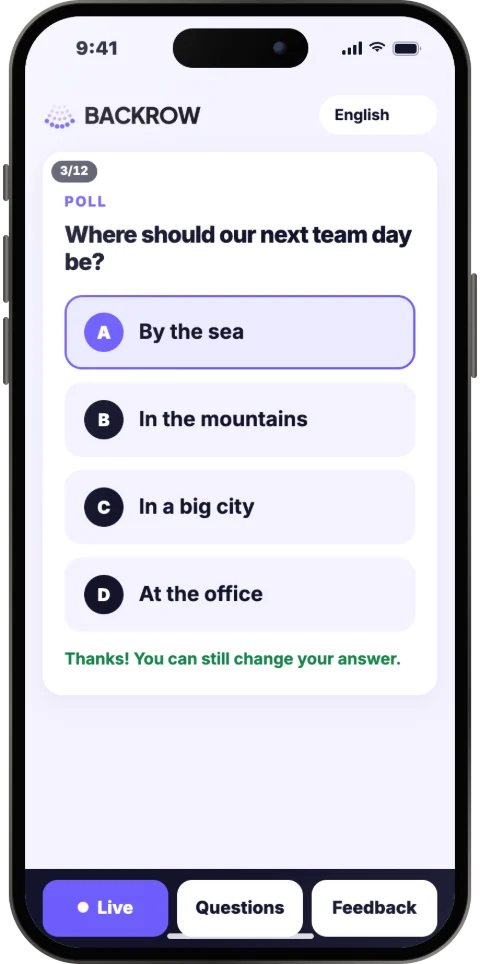
Live polls
One question, two to six answers. The bars move on your own slide as the votes come in.
Word clouds
Everyone sends up to three words. The words given most grow biggest, live.
Quizzes with a leaderboard
A countdown, the right answer lit up, and points for answers that are right and fast.
Q&A with thumbs-up
Questions come in during the talk and the room votes the best ones up.
Feedback with stars
A score out of five and open ideas, whenever you ask for them.
Hearts per slide
The room sends hearts to the slides they love, so you see which moments landed.
Sign-up forms
Name, email and your own questions, for the people who want to hear more.
Pick all that apply
A poll where everyone ticks several answers, or up to the number you choose.
Photo choice
This one or that one? Two to six photos side by side, and the room picks.
The wheel
Names, prizes or choices on a wheel that spins on the big screen and stops on one.
Random winner
Draw a winner from everyone who took part, signed up or got the quiz right.
Your slides tell it back
Conclusions across polls
Combine polls on one slide: “46% chose the sea, and 70% of them want to go in spring.”
Every room before this one
Show this room’s answers next to every earlier session of the same talk.
The talk’s recap
A last slide that sums up your talk: time, hearts and questions per slide.
Live numbers
How many phones are in right now, and how many answers your organization ever got.
How it works
From idea to a room full of answers, in three steps
- 1
Ask your AI assistant
Tell Claude, ChatGPT or Cursor what your talk is about and who will be there. Through the Backrow connector it designs every slide in your style and puts polls, questions and feedback where they fit.
- 2
Present
Open the slides on the projector and your notes on your laptop or phone. The room scans the QR code and is in within seconds.
- 3
Read the results
Votes, questions, scores and sign-ups are saved per session. Ask your assistant for a summary, the questions grouped by theme, or a draft of the follow-up mail.
For example, you ask your assistant
Use Backrow to make a 20-minute kick-off for our sales team in our brand colors. Open with a poll about last year’s best deal, and end with feedback and a sign-up for the spring training.
In the room
Everyone joins in, nobody installs anything
The audience uses the phone they already have. Each phone shows Backrow in its own language.
Scan
Point the camera at the QR code on the screen. No app, no account, no typing.
Vote
Tap an answer. The bars on the big screen move right away.
Ask
Send a question and give a thumbs-up to others. The most wanted rise to the top.
Respond
Give stars, share an idea, send a heart to a slide, or sign up to hear more.
Around the talk
Everything around the talk, too
Bring your own slides
Upload a PDF from PowerPoint, Keynote or Google Slides, with the speaker notes from the .pptx, or a Claude Slides export. Your assistant adds the live moments.
Your house style and images
Set your colors, fonts and logo once and upload your images: your assistant designs every new presentation with them.
Slides to take home
Share the slides as a PDF with the results in them. Every phone gets a download button.
Compare sessions
Give the same talk again and again, and compare every poll session by session.
Events with several talks
One code for the whole day: a running order with welcome, break and program screens, several rooms, and speakers who bring their own slides.
Share as a link
Send a presentation to someone who missed it. They go through it at their own pace and answer its polls.
Present on any computer
A link and a PIN for the venue’s computer: present there without signing in.
Results your assistant reads
After the talk your assistant sums up the answers, groups the questions and drafts the follow-up mail.
Your poll. Any look. Just ask your AI.
One question, “Where should our next team day be?”, as real Backrow slides with sample results. Each design came from the one line under it. Describe any look and your assistant designs it, with the live results drawn in.
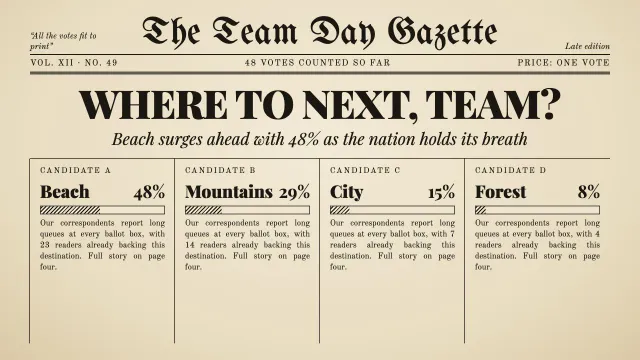
Make it a 1920s newspaper front page
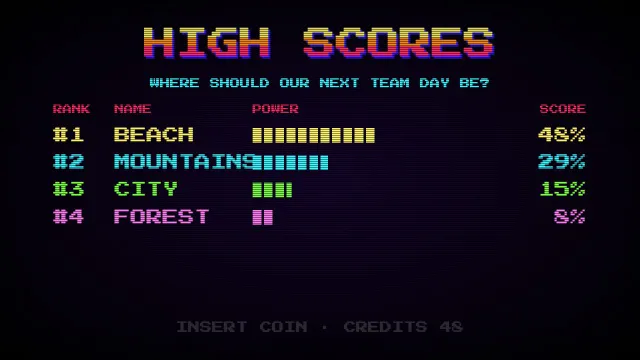
An 80s arcade high-score screen
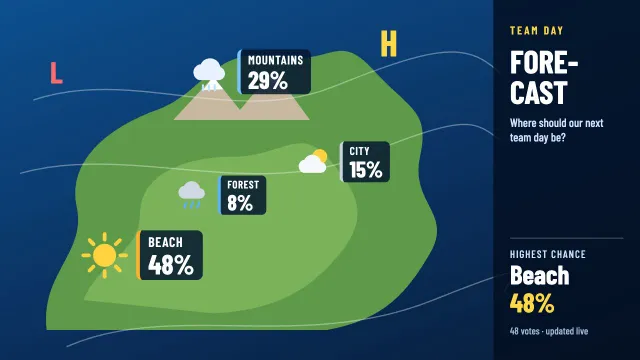
Present it as the TV weather forecast
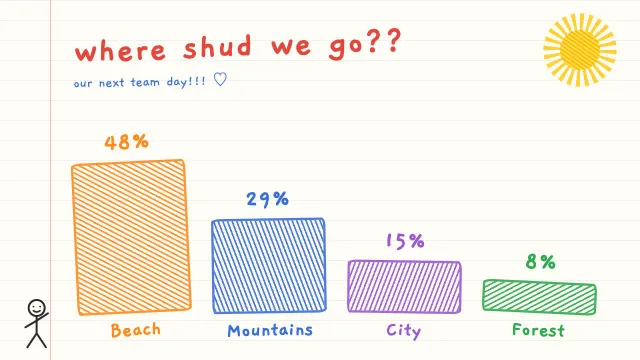
Make it look like a child’s crayon drawing
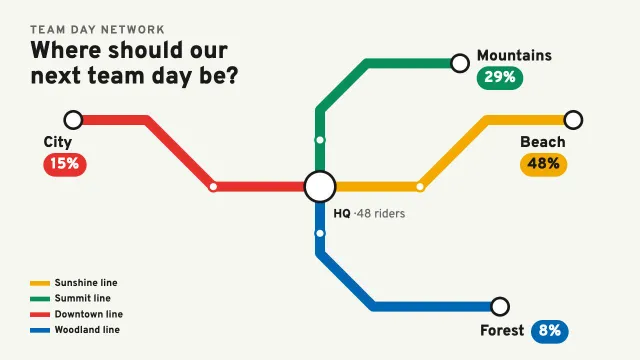
Draw it as a metro map
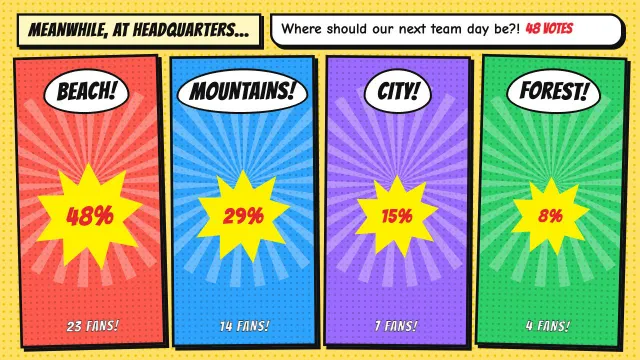
Make it a comic book page
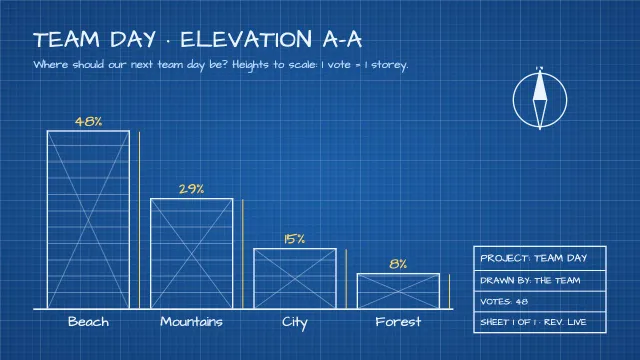
Draw it as an architect’s blueprint
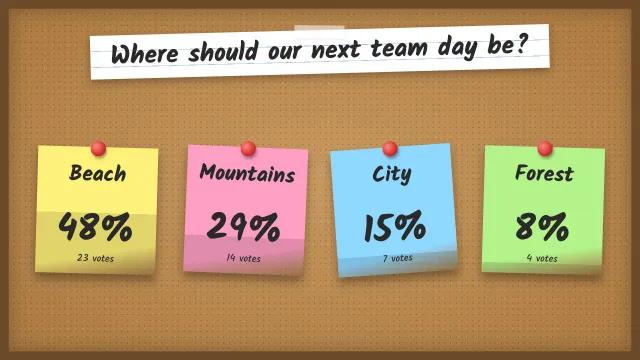
Pin sticky notes on a cork board
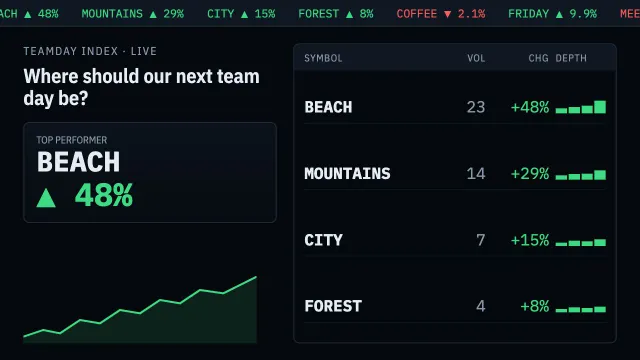
Show it like a stock market trading screen
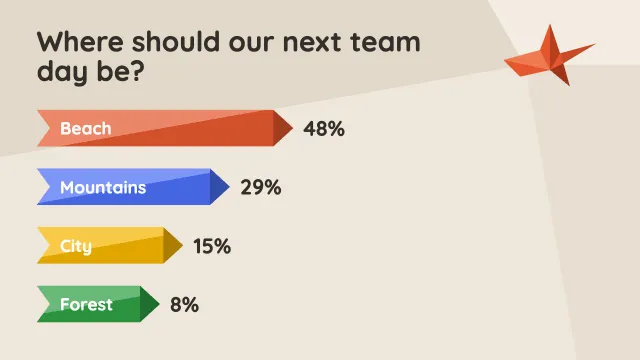
Fold it out of paper like origami
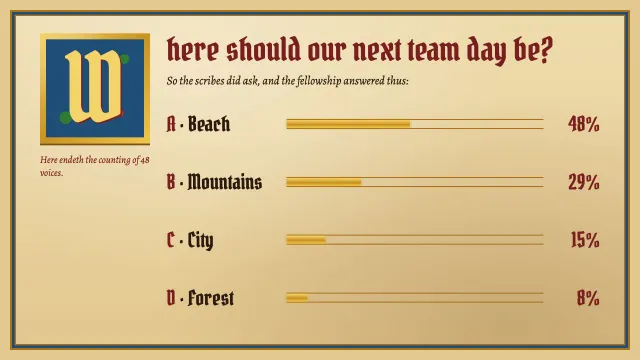
An illuminated medieval manuscript
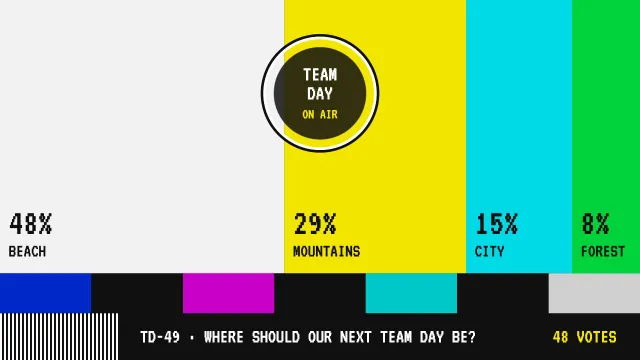
Turn the answers into a retro TV test card
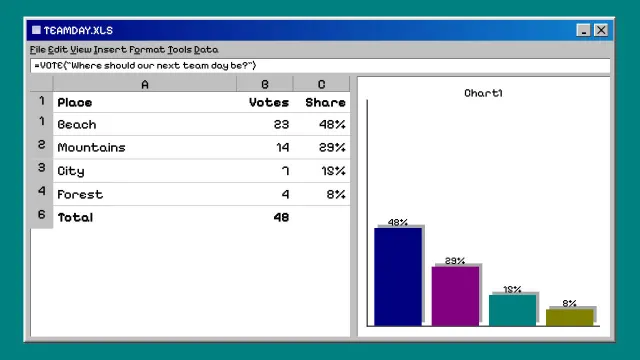
A spreadsheet on a 90s office computer
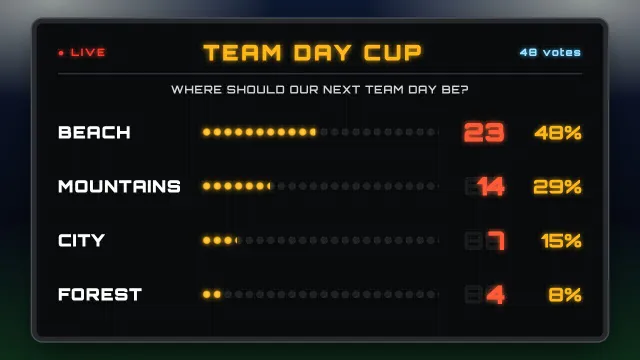
A stadium scoreboard at night
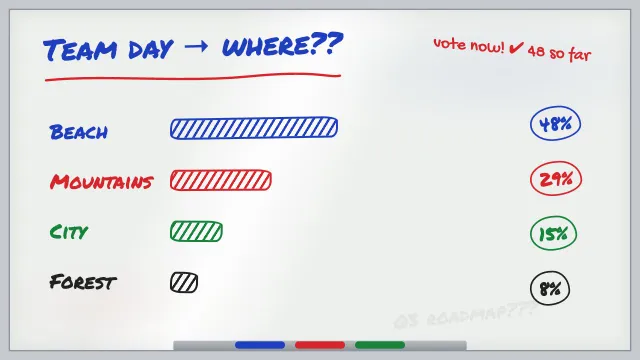
Marker scribbles on an office whiteboard
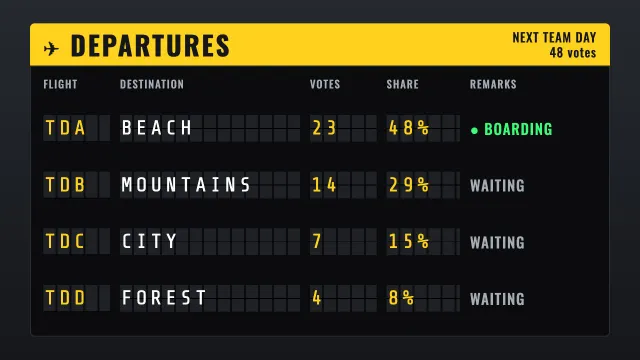
An airport departure board
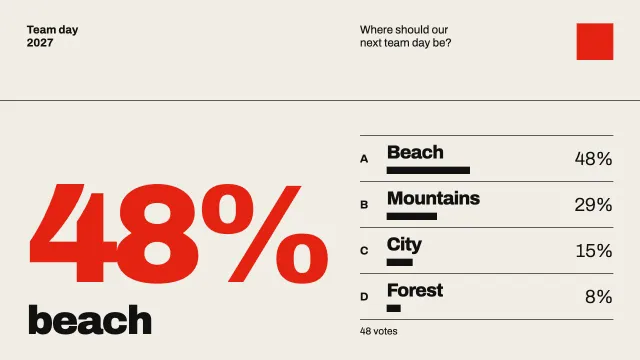
A Swiss International Style poster

A psychedelic 70s concert poster
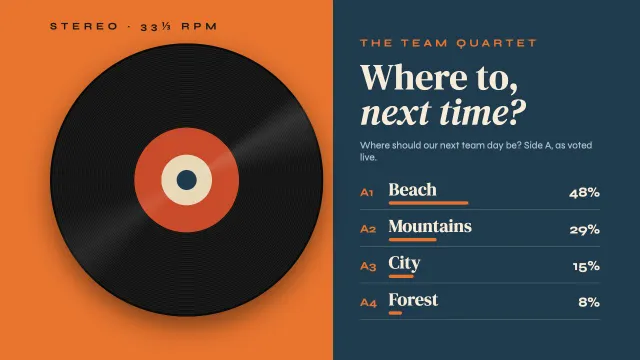
A 60s jazz record sleeve
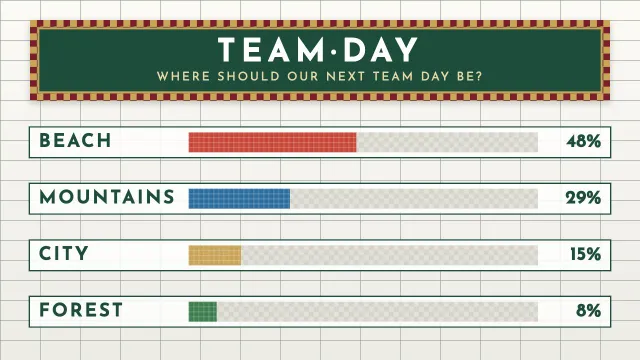
Tile it like an old metro station mosaic
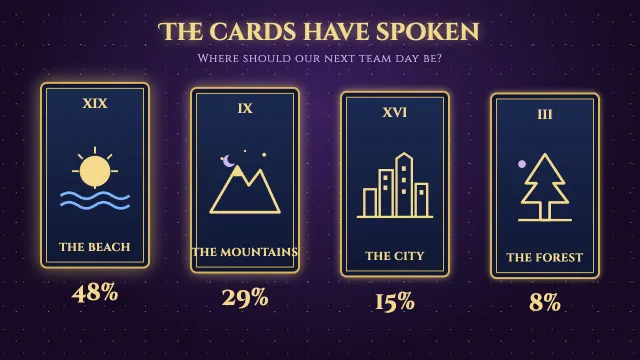
Reveal it as four tarot cards
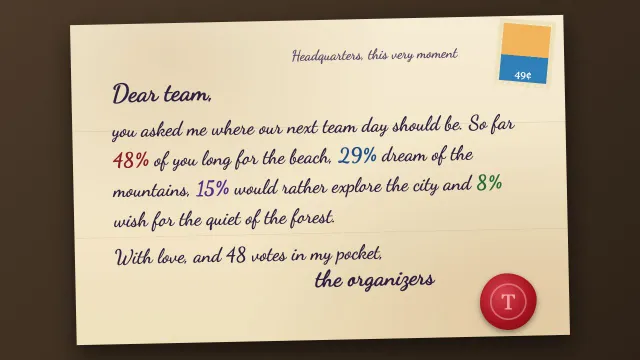
Write it as a handwritten letter on old paper
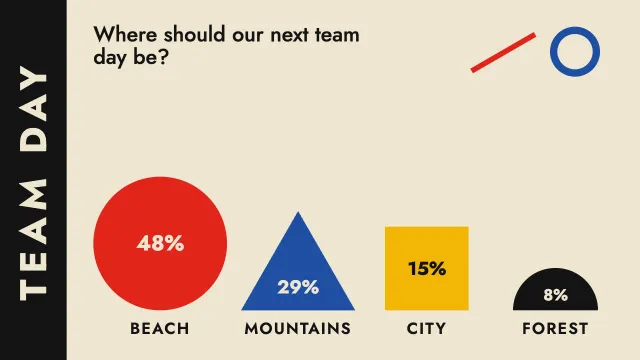
Compose it in Bauhaus shapes and primary colors
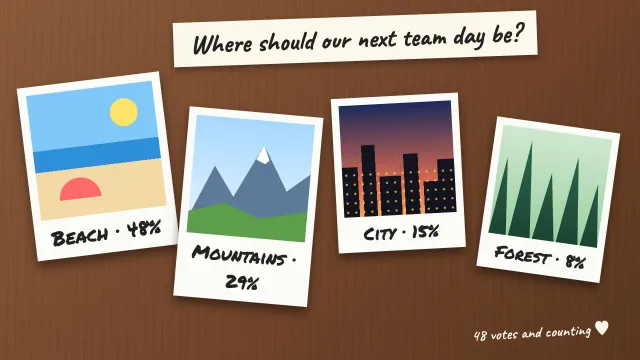
Four holiday polaroids scattered on a table
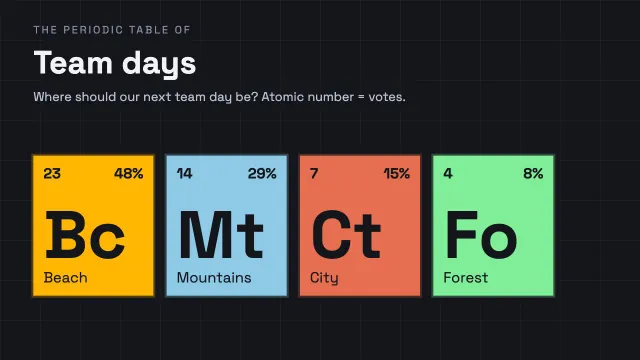
Make it a periodic table of team days
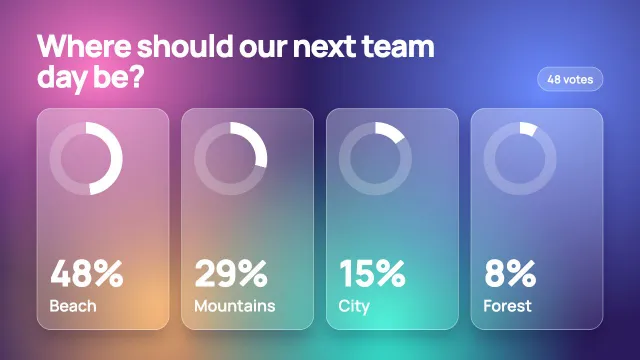
Sleek frosted glass on a glowing gradient
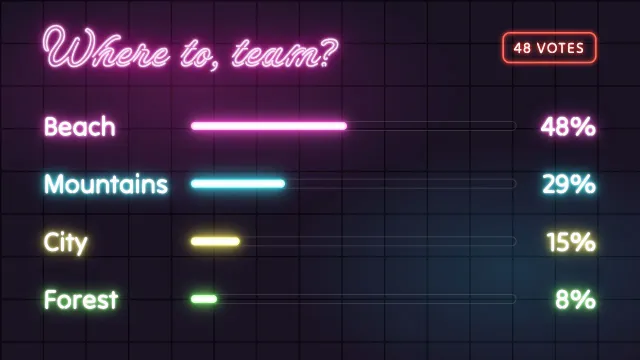
Neon signs on the wall of a late-night bar
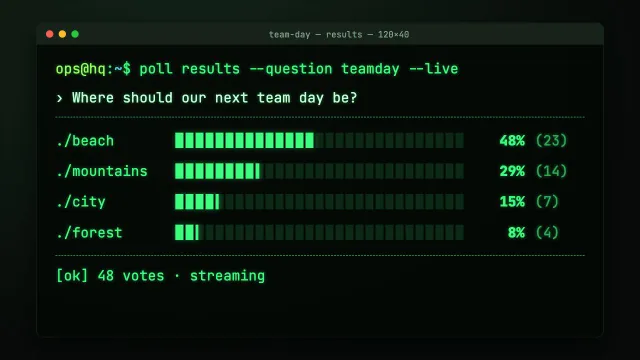
Show the results in a hacker’s terminal

Design it like a luxury magazine cover
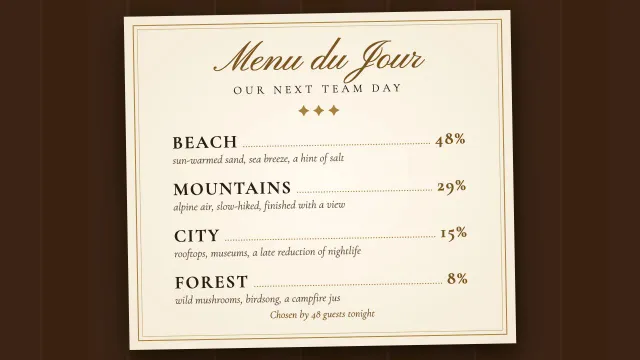
Turn it into a fine-dining menu
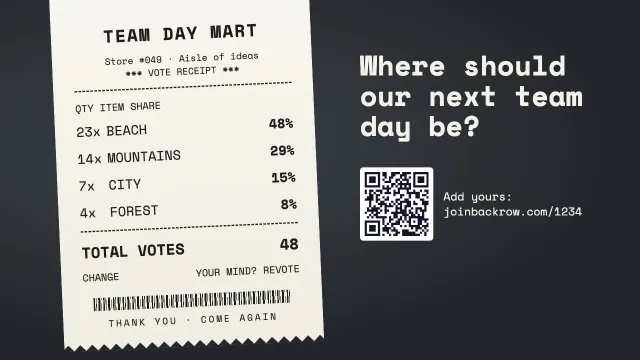
Print the results on a shop receipt
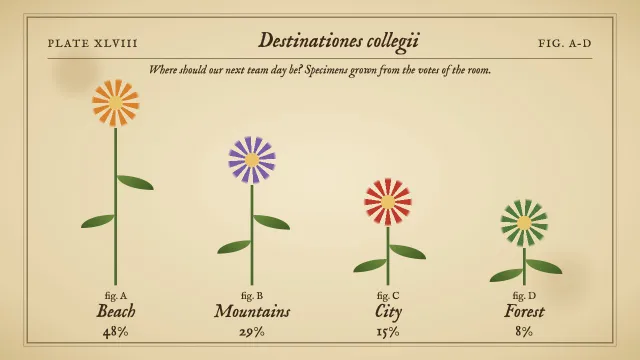
A vintage botanical illustration plate
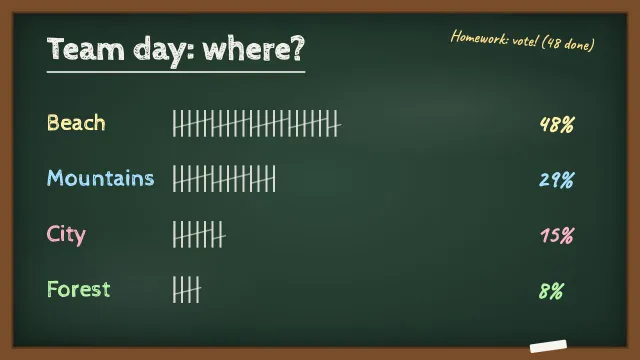
Write it on a school chalkboard with tally marks

Make it a TV game show board: survey says!
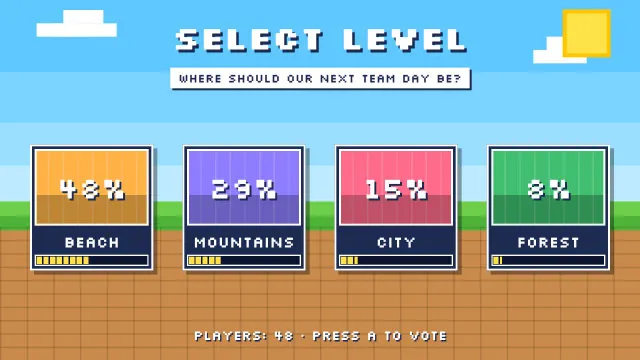
A pixel-art level select screen
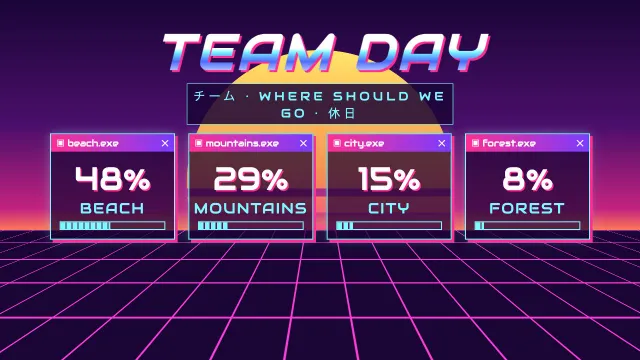
Go full vaporwave
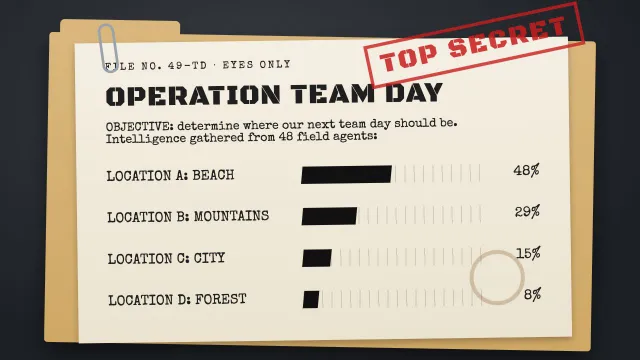
A classified secret-agent dossier
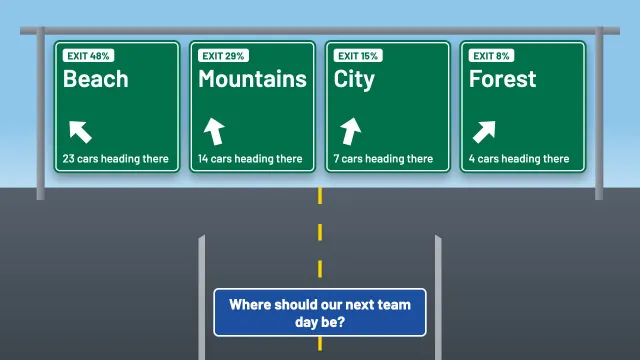
Put the answers on motorway exit signs
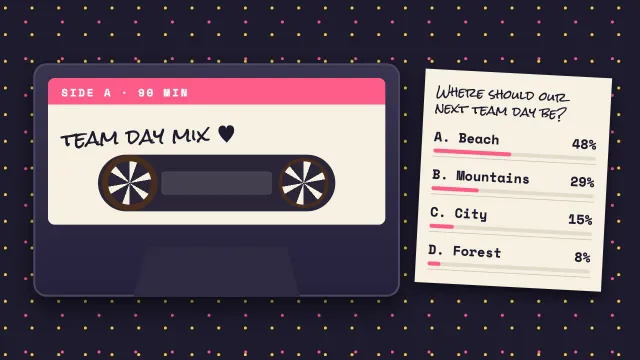
A mixtape cassette with a handwritten label
Your slides, not a template
Classic poll tools give you their templates to fill in and show the results on their own screen. Backrow works the other way around.
Classic poll tools
- You fill in their templates, slide by slide
- Results on a separate screen or tab
- Their look and their fonts
- Your deck and your polls live in two places
- Your AI assistant designs the whole presentation
- Live results drawn into your own slides
- Your style, your fonts, your colors
- One deck: slides, notes, polls and questions together
Backrow compared withBackrow vs Mentimeter Backrow vs Slido Backrow vs AhaSlides Backrow vs Wooclap Backrow vs Kahoot!
For AI assistants
Connect once, then just ask
Backrow is an MCP connector: it lets Claude, ChatGPT, Copilot, Gemini, Cursor and other assistants make and run your presentations. Three steps, about two minutes.
Pick your assistant
Add Backrow to it
https://joinbackrow.com/api/mcpPaste it in Claude (web, desktop or app): Settings › Connectors › Add custom connector. Name it Backrow and click Add.
https://joinbackrow.com/api/mcpPaste it in ChatGPT: Settings › Apps & Connectors › Advanced settings, turn on developer mode, then Create a connector with this address.
Not working?
Custom connectors need a ChatGPT plan that allows them. When you create the connector, pick OAuth as the sign-in.
claude mcp add --transport http backrow https://joinbackrow.com/api/mcpRun it in your terminal, then type
/mcpin Claude Code.https://joinbackrow.com/api/mcpPaste it in VS Code: Command Palette › MCP: Add Server › HTTP. Then use Copilot Chat in agent mode.
gemini mcp add --transport http backrow https://joinbackrow.com/api/mcpRun it in your terminal, then type
/mcp auth backrowin Gemini CLI.https://joinbackrow.com/api/mcpPaste it in Cursor, or in any other assistant, as a remote MCP server.
Not working?
In Cursor you can also put this in ~/.cursor/mcp.json:
{
  "mcpServers": {
    "backrow": {
      "url": "https://joinbackrow.com/api/mcp"
    }
  }
}
A tool without a sign-in window? Make a personal key in Backrow (Organization › AI assistant) and send it as a Bearer token in the Authorization header.
Sign in and ask
Click Connect and sign in with Google. The first time you also type your company name, and your Backrow account is made right away, free to try.
Then open a new chat and ask, for example
Use Backrow to make a 10-minute talk about our new travel policy in our colors, with a poll to open and feedback at the end.
What your assistant can do
- Make presentations with polls, Q&A, feedback and sign-ups
- Change slides and polls, and look at them before you present
- Read the results of your sessions afterwards
Privacy
Built in Europe, private by default
Data in the EU
Slides, answers, questions and sign-ups are stored with Google Cloud in Belgium.
Anonymous by default
The room needs no account. A phone gets a random number, not a name. Names and emails only when someone fills them in.
No tracking
No ads, no analytics, no tracking cookies. Not in the app and not on this website.
You decide
Only the presenters of your organization see answers and sign-ups. Export everything, and delete it whenever you want.
Questions and answers
Does the audience need an app or an account?
No. They scan the QR code on the screen, or go to the address and type the four-digit code. It works in the browser of any recent phone.
Which AI assistants work with Backrow?
Claude, ChatGPT, Cursor and any other assistant that accepts an MCP connector. You can also upload a deck you made in Claude Slides yourself (Share › Export › HTML).
Can I keep my own style?
Yes, that is the whole idea. Your assistant designs the slides with your fonts and colors, and Backrow draws the live results into that design instead of a fixed template.
Can I use slides from PowerPoint, Keynote or Google Slides?
Yes. Export them to PDF and upload the PDF in Backrow; choose the .pptx along with it to keep your speaker notes. Every page becomes a slide, and your assistant adds polls, word clouds or a quiz between or on the pages.
How many people can join?
Backrow has run at a live event with about 120 phones, and the same load is part of our tests. Expecting a much bigger crowd? Write to us first.
Which languages does Backrow speak?
English, Dutch and French. Every phone shows its own language and the big screen shows the language of the event. Questions from the room are never translated.
What does it cost?
Try it free with up to 10 phones. Then every slide that asks the room something costs €2 per session for up to 200 people (€5 up to 1,000), or present without limits from €19 a month; a whole event costs from €99. No seats: everyone in your organization presents. Prices excl. VAT; buying opens soon, until then ask us. See pricing and the calculator.
What if the venue wifi is slow?
Phones can use their mobile data. You can also show the venue wifi as a QR code on the big screen, so joining it takes one scan.
Where is my data, and who can see it?
In the EU, with Google Cloud in Belgium. Only the presenters of your organization see answers and sign-ups, and you can export and delete them at any time.
Your next talk, with the whole room in it
Make your account in a minute, connect your assistant and ask for your first interactive presentation.